
AI Training for Employees: Start With an Audit, Not a Lesson
October 12, 2026
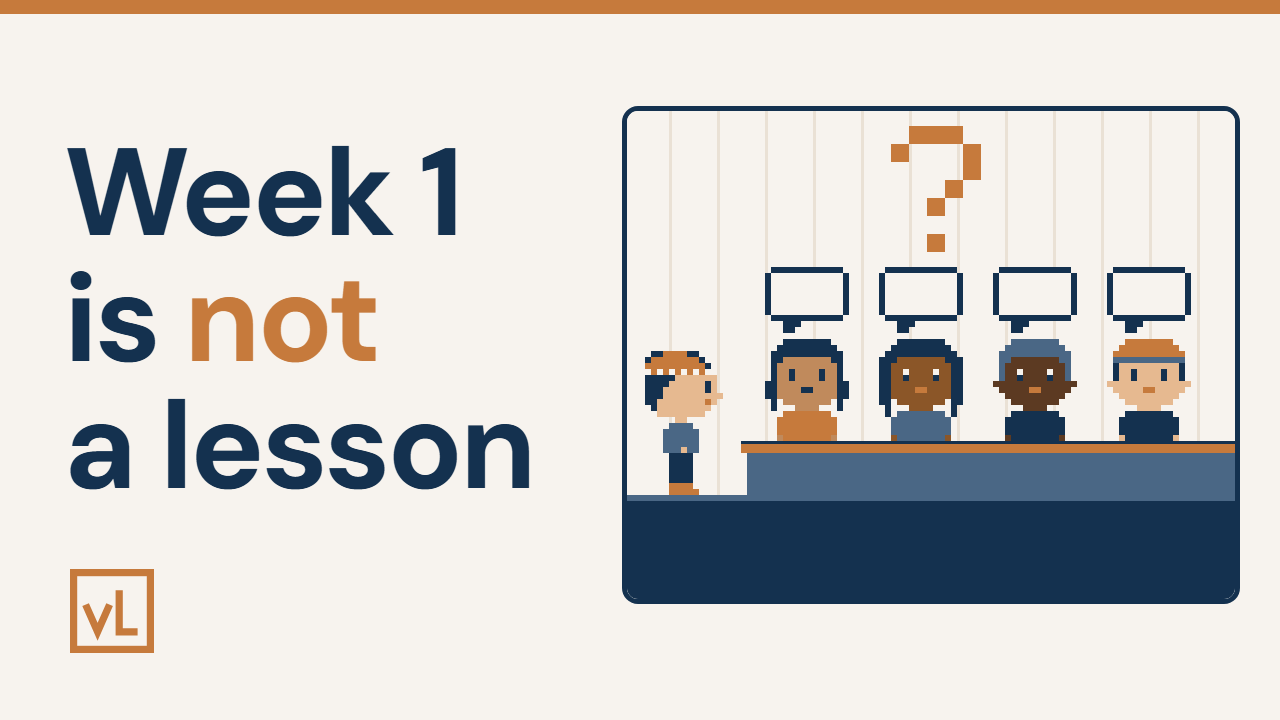
This is the video behind the post. It follows Owen, a made-up roofing owner, through all 3 steps, so you can watch the whole thing work before you try it with your own team.
AI training for employees starts with an audit, not a lesson. Before you teach anyone anything, find out who already uses AI, who tried it and stopped, and who hasn’t touched it.
You do that in 3 steps, and they go in order. Run it on yourself. Send it out. Hear it out loud.
The rest of this post is how to run each one with your own team.
The room goes quiet
You ask your team, “How could AI help you at work?”
And the room goes quiet. Nobody has an answer.
So you still don’t know who uses AI, and who gave up.
That silence isn’t a team problem. A blank page gives people nothing to start from. Ask anyone “how could AI help you?” and they freeze.
So the fix isn’t a better speech. It’s a better question, one that comes with a start.
AI training for employees: why week 1 is an audit
You’d think week 1 is where you teach your team AI. It isn’t.
Week 1 is an audit. You start from what your team really tried, not from a guess.
Think of a site walk-through. You look first. You fix later.
This is week 1 of 6, and the job is to find out what stuck. Here are the 3 steps.
Step 1: run it on yourself
This step shows you what your team will see, before they see it.
You wouldn’t hand your crew a tool you’ve never picked up.
Here’s the plan. Open an AI chat. Claude is the AI chat we use as our thought partner. It doesn’t have to be Claude. You could use ChatGPT or another AI chat. Then paste in this prompt. A prompt is just the words you paste into the chat.
This one is for an owner or a manager:
I own or manage a small trades business. My week is full of decisions, cash, priorities, and things only I can unblock. Ask me 5 short questions about what actually ate my time this week. Then give me exactly 3 specific things I could try using you for before our next session, ranked by how much time each would probably save me. One sentence per idea.
The chat asks you 5 short questions about what ate your time this week. Then it hands you 3 ideas for your job, ranked by time saved.
Say Owen runs a small roofing company with 6 people. This is a made-up example. He answers for his own week, and chasing quotes ate most of it.
Keep private details out of your answers. Talk about your week. Leave out customer names.
The mistake is handing out a guide before you’ve tried it. The right move is going first, so you know how it works.
Want to go further? Run the same prompt for a role you don’t have yet. Pick the person you’d hire next, imagine that job’s week, answer the 5 questions, and read its 3 ideas.
Keep the 3 ideas from your own week. You need them for step 3. (Step 1 in the video)
Step 2: send it out
This step gives your team time to think before the session.
It’s like sending the drawings before the site meeting.
Send the Week 1 guide to your team 2 days before session 1. Tell them, “Pick your role, run the prompt and bring your 3 ideas.”
The guide has a button for sales, the field, the office and the owner. If someone’s job isn’t there, they pick “Something else” and type it in.
Then ask for 1 more thing. Ask them to bring 1 real thing AI did for them this week, good or bad.
Here’s why. Asked on the spot, people freeze. The mistake is springing it on them in the meeting. The right move is 2 days of notice and 1 prompt to run.
Now they can walk in with 3 ideas each. That’s what step 3 runs on. (Step 2 in the video)
Step 3: hear it out loud
This step tells you where each person stands with AI.
In session 1, each person reads out 1 of their ideas. You go first. Read out 1 of your own 3.
Then each person shares 1 real thing AI did for them this week.
Here’s Owen’s rule for the whole room. No shame either way.
- Someone who uses AI every week gets to show it off.
- Someone who tried it and stopped shows you what put them off.
Say Owen’s office manager tried AI once, got a bad answer and stopped. That’s worth hearing, because it shows you what put her off.
The mistake is turning session 1 into a lesson. The right move is to listen, and note who uses AI, who stopped and who hasn’t tried it.
Keep the session to 30 minutes. (Step 3 in the video)
Why the order matters
Run it on yourself. Send it out. Hear it out loud.
Skip step 1, and you hand out something you haven’t tried. Skip step 2, and the room can go quiet again. Skip step 3, and you’re back to guessing who uses it.
Run your first prompt today
Here’s your move for this week: run the prompt on your own week, and book session 1 with your team.
Then send the guide to your team 2 days before. Next up is week 2, which is setting it up once so no chat starts cold.
The Week 1 guide builds the prompt for each role, so nobody starts from a blank page. Get it here: https://thevlway.com/guides/week-1/
If you’ve already got an AI chat open and you’re wondering what to do with it, Claude + Airtable shows one way to put it to work on quotes. And if you’re deciding what to pay for and what to build yourself, build vs buy software runs 2 questions on that.
Post your own 3 ideas in my Skool community.
More at thevlway.com.
I’m in Your Corner. Now, Go Own It.